
Infrastructure Labs
T2 DNS Failure Troubleshooting
Technician Support
Project Overview
Simulated a DNS resolution failure for a standard user in a controlled environment. Conducted a full Tier-2 troubleshooting workflow, systematically ruling out common causes before identifying and resolving the root cause: incorrect DNS server assignment.Scenario / Context
- User type: Standard (non-admin) account
- Operating system: Windows 10 / 11
- Issue observed: User unable to access websites by domain name, but IP connectivity remained intact
- Impact: Limited to the affected user account; other users not affected
Symptoms
- Browser unable to load websites
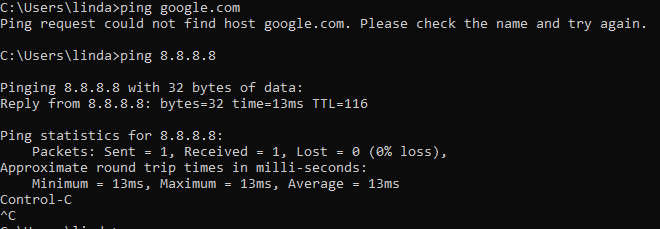
- ping domain.com fails
- ping 8.8.8.8 succeeds
- Applications relying on DNS fail
Hypotheses / Possible Causes
Now, there are multiple causes for these symptoms, such as a misconfigured hosts file, an incorrect DNS server assignment, the DNS Client service being stopped, a firewall blocking DNS traffic a corrupted DNS cache, or IPv6 misconfiguration.Investigation / Actions taken
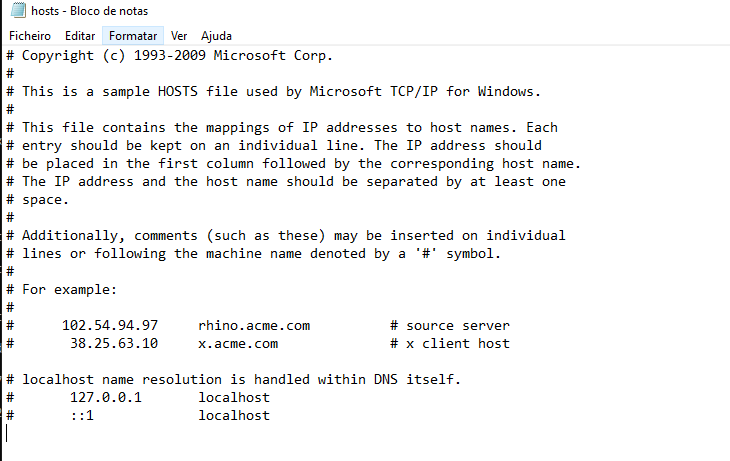
Each possibility was systematically tested:- Hosts file misconfiguration: The hosts file was checked and confirmed clean (Checked: C:\Windows\System32\drivers\etc\hosts in Notepad as Admin)
- Incorrect DNS server assignment: The DNS server settings were reviewed, revealing the misassigned DNS (0.0.0.0 / 1.1.1.1), which ultimately was the root cause (Checked: ipconfig /all in Command Prompt)
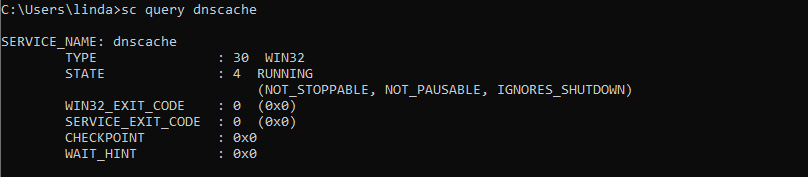
- DNS Client service stopped: The DNS Client service was running normally (Checked: services.msc and sc query dnscache)
- Firewall blocking DNS traffic: Verified the firewall was not blocking DNS (Checked: netsh advfirewall firewall show rule name=all)
- DNS cache corruption: The DNS cache was inspected and found clear (Checked: ipconfig /displaydns)
- IPv6 misconfiguration: IPv6 settings were reviewed and appeared correct (Checked: ipconfig /all)
Evidence
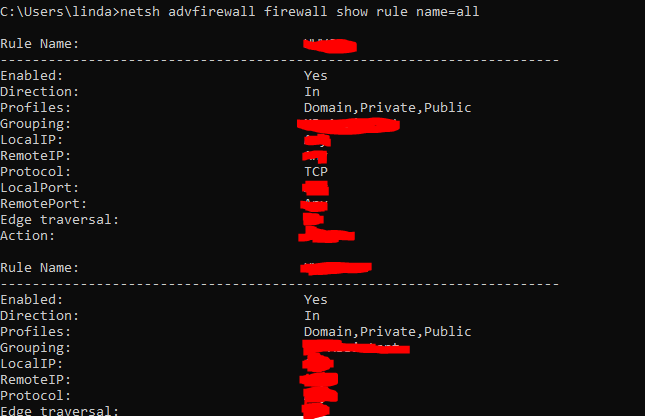
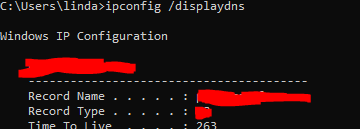
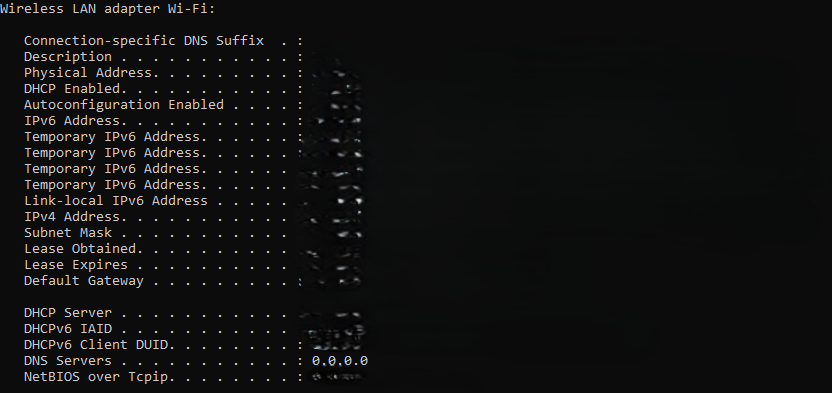
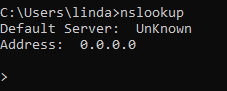

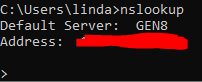
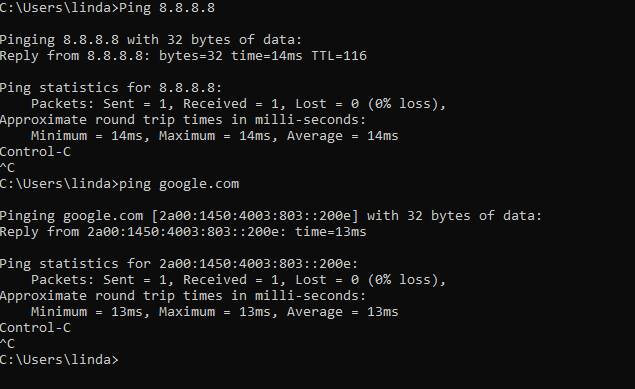
Root Cause
Incorrect DNS resolver configuration
Resolution- Restored DNS settings to automatic / DHCP-assigned
- Flushed DNS cache using: ipconfig /flushdns
- Verified DNS resolution successful via ping google.com and browser tests
- Enforce DNS configuration via Group Policy to prevent accidental changes
- Monitor VPN and endpoint DNS overrides
- Educate users about endpoint network configuration changes
- Periodic verification of critical network services